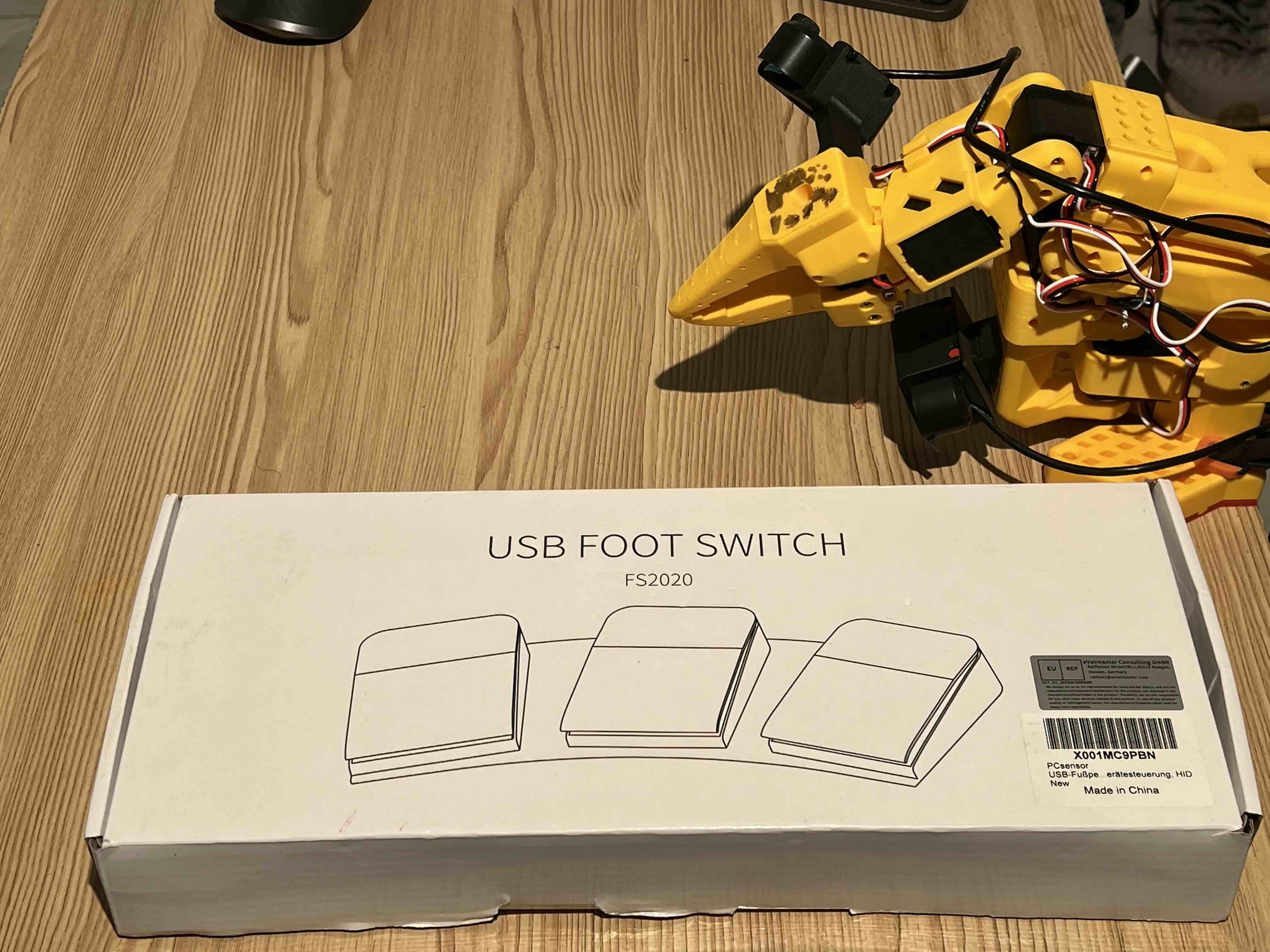
While collecting teleop demonstrations for the SO-101, one small annoyance kept coming up: every episode ends with a hand leaving the controls to hit a key, accept, redo, or stop. It’s a minor break, but it adds up over a long recording session.
The fix was a cheap three-button USB foot pedal, PCsensor branded, reprogrammed to fire LeRobot’s own recording shortcuts. Here’s what that took.
The hardware
A generic PCsensor three-pedal USB switch. It shows up on Linux as a standard HID keyboard device, no drivers, no background daemon. Confirmed via:
lsusb | grep -i pc
# Bus 001 Device 092: ID 3553:b001 PCsensor FootSwitch
The tool: footswitch
PCsensor’s official configuration software is Windows-only, which is a dead end on a Linux dev box. The open-source workaround is footswitch by rgerganov, a small C command-line tool that talks to the pedal directly over USB and writes the key mapping into the pedal’s own onboard memory. Once programmed, the mapping is persistent: unplug it, move it to any machine, and it still sends the same keys, no software required on the other end.
Build and install was straightforward:
git clone https://github.com/rgerganov/footswitch
cd footswitch
make
sudo make install
This also drops in a udev rule, so after a replug the tool runs without sudo.
Reading the pedal
Out of the box, the three pedals were mapped to plain letters:
footswitch -r
[switch 1]: a
[switch 2]: b
[switch 3]: c
Mapping to LeRobot’s shortcuts
LeRobot’s recorder uses right arrow (end episode, move on), left arrow (re-record), and escape (stop session). Programming named keys worked for escape but silently failed for the arrow keys, right and left weren’t in the tool’s recognized key-name table, so those pedals reverted to unconfigured instead of erroring loudly.
The reliable fix was to skip the name lookup and write the raw USB HID usage codes directly:
footswitch -1 -S '4F' -2 -S '50' -3 -k esc
4F→ Right Arrow50→ Left Arrowesc→ Escape
The gotcha: one shared config block
The first attempt set each pedal with a separate command, one at a time. Each call worked for the pedal it targeted, but silently wiped out the other two. Turns out this pedal’s firmware stores all three mappings as a single config block, and any write that only mentions one pedal rewrites the whole block, blanking the rest.
The fix was to set all three pedals in a single invocation:
footswitch -1 -S '4F' -2 -S '50' -3 -k esc
footswitch -r
[switch 1]: <right>
[switch 2]: <left>
[switch 3]: esc
That stuck.
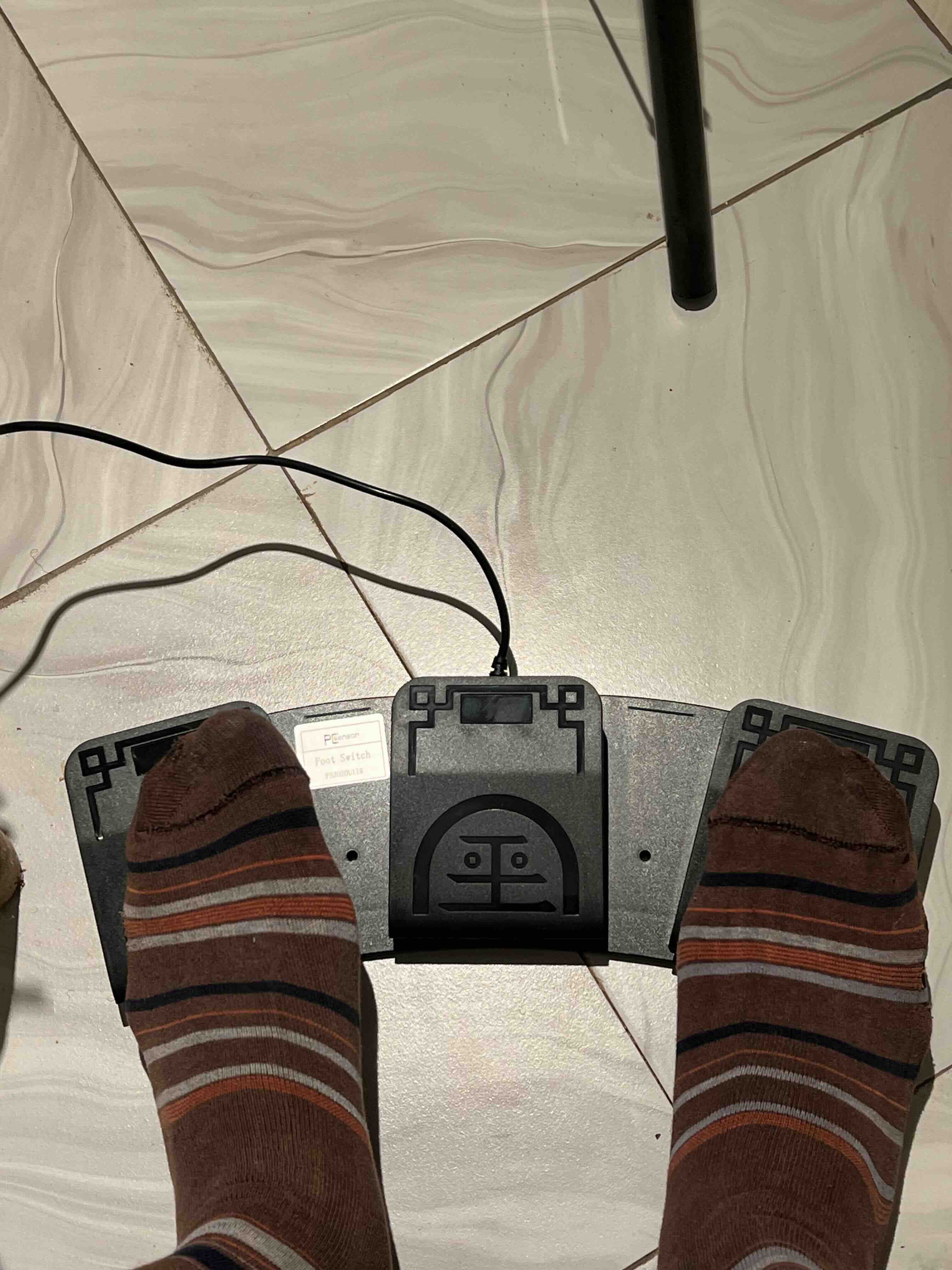
Result
Three pedals, one command each session, well, one command ever, it’s persistent, now driving lerobot-record end-to-end:
- Right pedal → accept episode, move to next
- Left pedal → re-record episode
- Center pedal → stop session
No code changes on the LeRobot side were needed. The pedal just looks like a keyboard sending the exact keys LeRobot already listens for. Hands stay on the robot the whole time.